You can play Minecraft for years without ever leaving the game. But some things are faster with a second tab open: finding the right potion recipe, working out where a Nether portal should go, or writing a command that is too long to type by hand. These are the tools worth keeping bookmarked.
Look things up without guessing
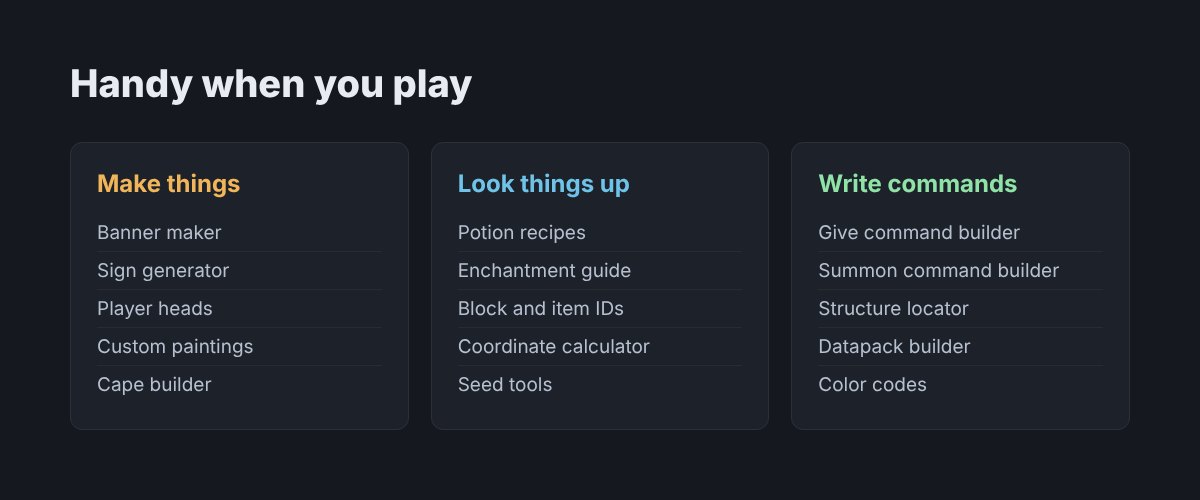
Brewing has a lot of steps, and it is easy to forget which ingredient extends a potion and which one makes it stronger. A potion recipe lookup shows the full chain for every potion, so you can gather everything before you start. The same goes for enchanting. The enchantment guide shows which enchantments work on which items and which ones cannot be combined, so you do not waste levels on an anvil.
If you want the full details on how these systems work, the Minecraft Wiki pages on brewing and enchanting go much deeper.
Coordinates and Nether travel
One block in the Nether is eight blocks in the Overworld. That makes the Nether a fast way to travel, but only if your portals line up. Get it wrong and you end up building a second portal in the middle of nowhere. A coordinate calculator converts between the two so you know exactly where to build. Press F3 on Java (or turn on "Show Coordinates" on Bedrock) to see where you are.
For finding things in a new world, seed tools and a structure locator help you find villages, temples and other structures. On a multiplayer server, check the rules first. Some servers do not allow seed tools.
Commands without the typos
Commands like /give and /summon get long once you add enchantments, names or custom data, and one missing bracket breaks the whole thing. A give command builder or summon command builder lets you pick options from a form and copy the finished command. This is useful in single player worlds, on Realms, or on your own server where you have operator rights.
Item and block names change between versions, so a block and item ID list helps when a command says an item does not exist.
Make things that look good
Banners are one of the easiest ways to decorate a base, but the pattern order matters and getting the design you want by trial and error costs a lot of dye. A banner maker lets you build the design first and then shows you the steps. There are similar tools for colored signs, player heads and custom paintings.
If you want colored text in chat or on signs on a server that supports it, a color code list saves you from remembering what each code does.
Better performance on your own PC
Not every tool is a website. If the game runs slowly, Sodium is a free Fabric mod that improves frame rates a lot, especially on older laptops. It works on most servers since it only changes how your own game renders. Install it through a launcher that supports Fabric, or download it from Modrinth.
All in one place
All of the browser tools above are on MCPlayerTools, which collects free Minecraft tools for players in one site. Nothing to install and no account needed.
When you are ready to play with other people, find a server on MinecraftServersList. If you have never joined one before, our guide on how to join a Minecraft server walks through it.