Getting a server running takes ten minutes. Getting it ready for strangers takes longer. Most new servers lose their first players to small things: a blank MOTD, an IP with a port number nobody remembers, or griefing on day one because permissions were never set.
If you have not started the server yet, read how to make your own Minecraft server first. This post is about what comes after that, before you post the IP anywhere.
Pick your software and stick to it
For a plugin server, Paper is the usual choice. It runs Spigot plugins, performs better than vanilla and gets updates fast. If you want Bedrock players to join too, add Geyser and Floodgate now rather than later, since it affects your ports and how player names look.
Decide on a Minecraft version and do not change it in the first weeks. Every jump means checking that all your plugins still work.
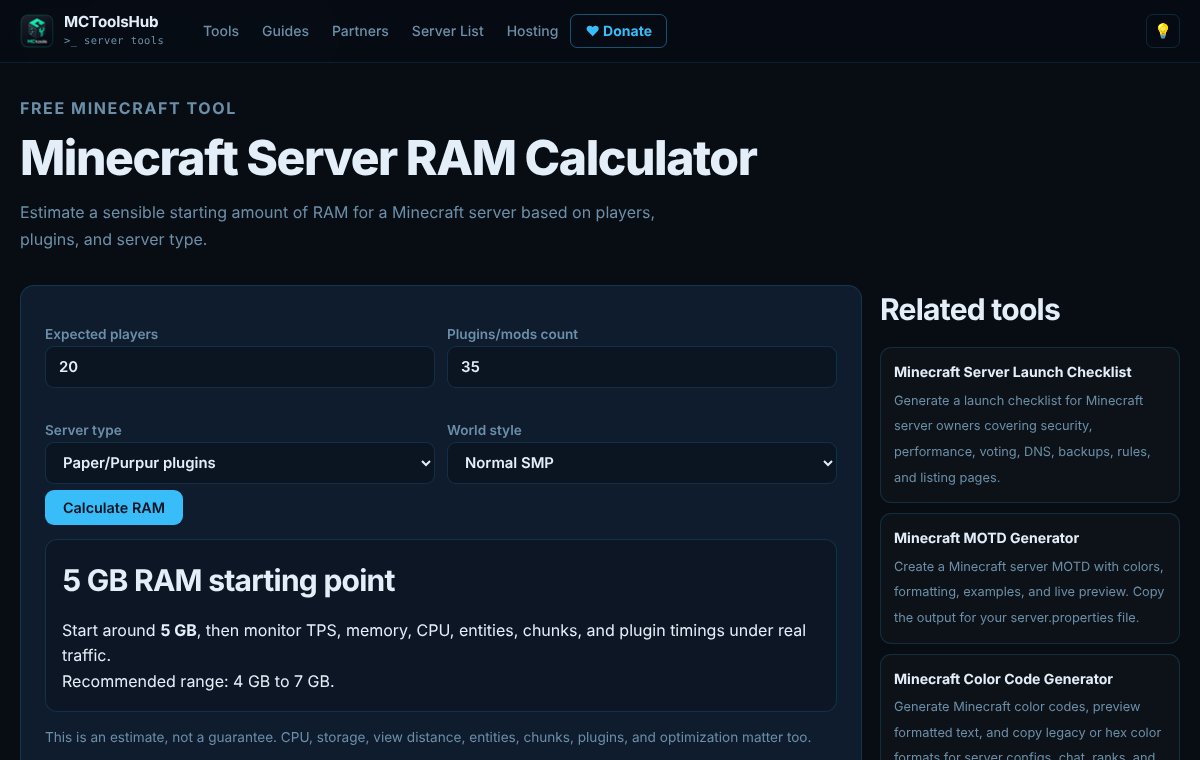
Before you buy anything, get a rough idea of how much memory you need. The RAM calculator on MCToolsHub gives you a starting point based on players, plugins and server type.
Go through server.properties
The defaults are made for playing alone. At minimum, check these:
online-mode: keep ittrueunless you have a reason not to. Our post on cracked vs premium servers explains why.max-players,difficultyandpvpto match your gamemode.view-distanceandsimulation-distance. Lowering these is the cheapest performance fix there is.spawn-protection, so new players cannot break spawn.enable-query, which some server lists use to show player counts.
The Minecraft Wiki page on server.properties lists every option. If you would rather fill in a form, the server.properties generator writes the file for you.
Give it a name people remember
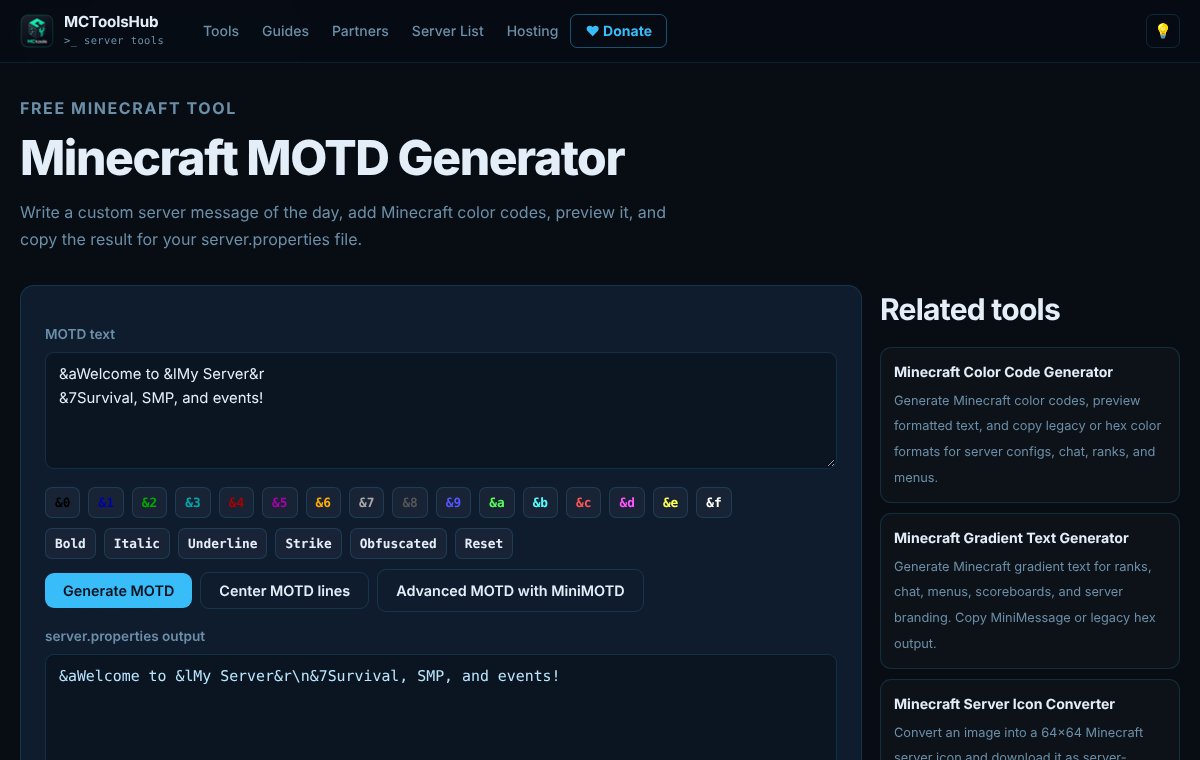
Your MOTD is the first thing players see in their server list. A blank "A Minecraft Server" looks abandoned. Write one or two short lines: the name and what kind of server it is. The MOTD generator shows a live preview with colors, so you can see how it looks before you restart. Add a 64x64 server icon while you are at it.
Next, the address. play.yourserver.net is easier to share than 123.45.67.89:25567. If your host gave you a port other than 25565, you need an SRV record so players can leave the port off. The SRV record generator shows exactly what to enter at your DNS provider.
Permissions and basic plugins
Set up ranks before anyone joins. LuckPerms is the standard permissions plugin and has a web editor that makes it much easier. Give default players only what they need, and give staff their own group.
Most servers also add EssentialsX for homes, warps, spawn and basic commands. On survival servers, add a grief protection plugin that fits your style.
Backups and performance
Turn on automatic backups and test a restore once. A backup you have never restored is a guess. Keep at least one copy somewhere other than the server itself.
Use Aikar's flags in your start script, and install spark so you can find out what is causing lag when it happens instead of guessing.
Voting and listing
Server lists rank by votes, and votes bring in new players. Install NuVotifier and open its port so lists can send votes to your server. Then add a vote reward plugin so players have a reason to vote every day. The Votifier setup helper walks through the config and the port.
Run through it once
Before launch, join from a different network than your own, as a player with no permissions. Try to break spawn, open a chest that is not yours and run a staff command. Whatever works that should not is what you fix next.
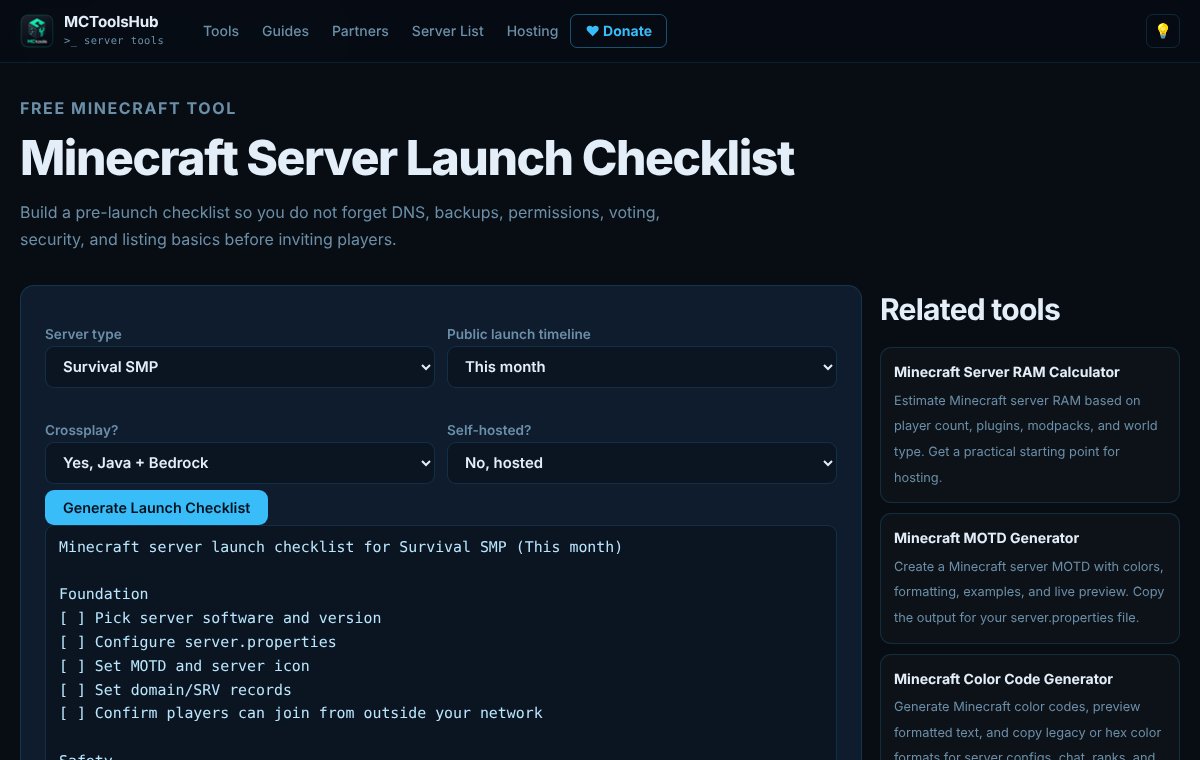
If you want all of this as a list you can tick off, the server launch checklist builds one based on your server type.
When it all works, add your server to MinecraftServersList and start getting players in.